Android time clock station

Android Time Clock Terminal App

Timeberry turns any Android device into a stationary employee time tracking station.
Android time clock station

Android Time Clock Terminal App

Turns any Android device into a stationary employee time tracking terminal.

Why Timeberry?

This free app instantly transforms any Android smartphone or tablet into a stationary time tracking terminal.

Installation is quick and easy. You only need an Android device. Using its internet connection, you connect the Timeberry app to your existing time tracking system. After that, you have a fully functional time tracking terminal that can be used by multiple employees – all without expensive closed-source hardware.

Timeberry is perfect for small and medium-sized businesses. With an Android device of your choice (smartphone or tablet), you are independent of proprietary hardware. The familiar smartphone interface makes this solution particularly user-friendly.

This time tracking terminal for a fixed location combines modern online time tracking with a classic punch clock in one solution. A perfect mix of user-friendliness and efficiency.

Please Note

Timeberry is free of cost and can be downloaded freely from the Google Play Store. However, Timeberry is (only) an extension for various online time tracking systems. To use Timeberry effectively, you need, for example, a Goodtime, Harvest, or Timewald account. These accounts may incur costs.

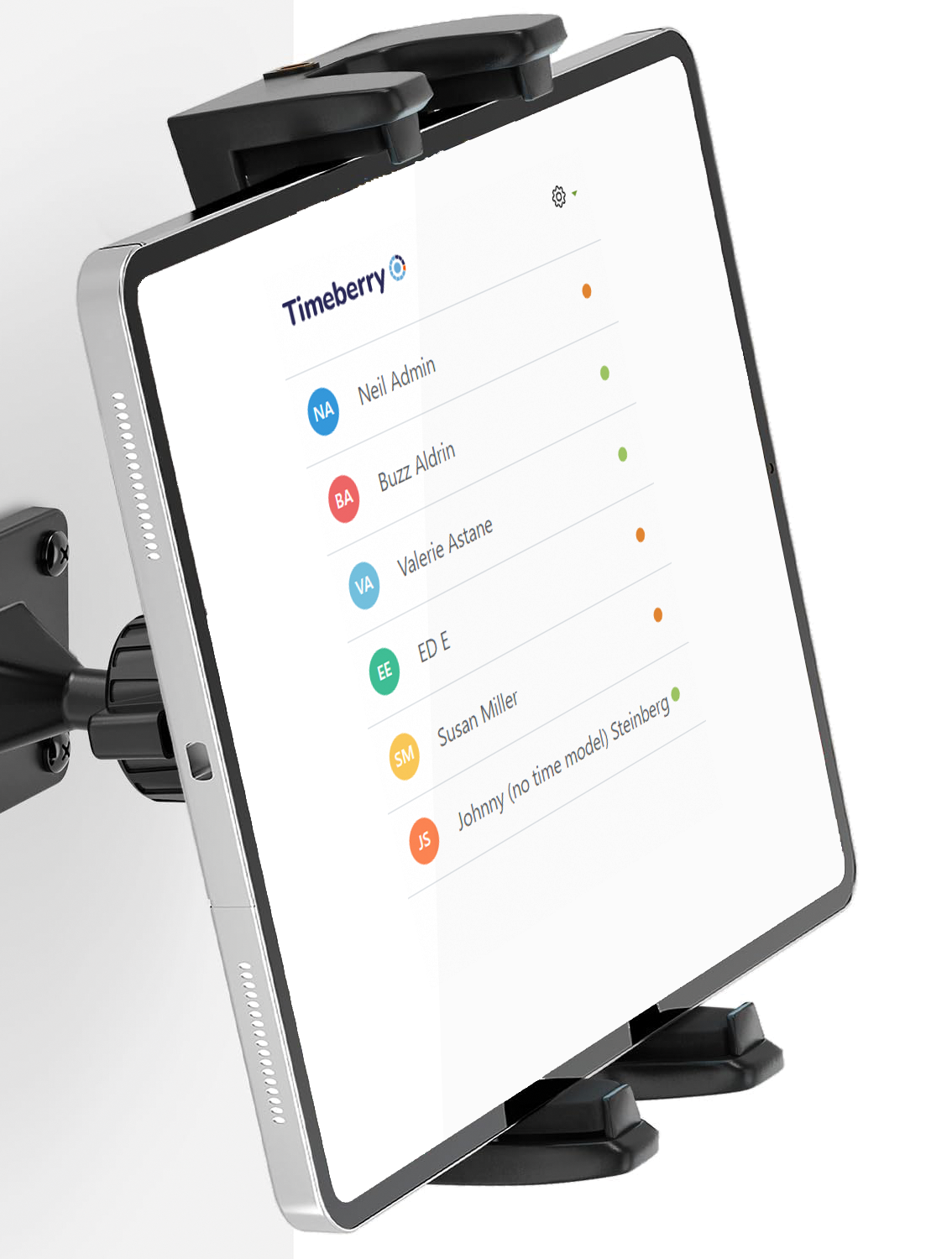
Timeberry time clock station on a tablet with wall mount

Timeberry time clock station on a tablet with wall mount.

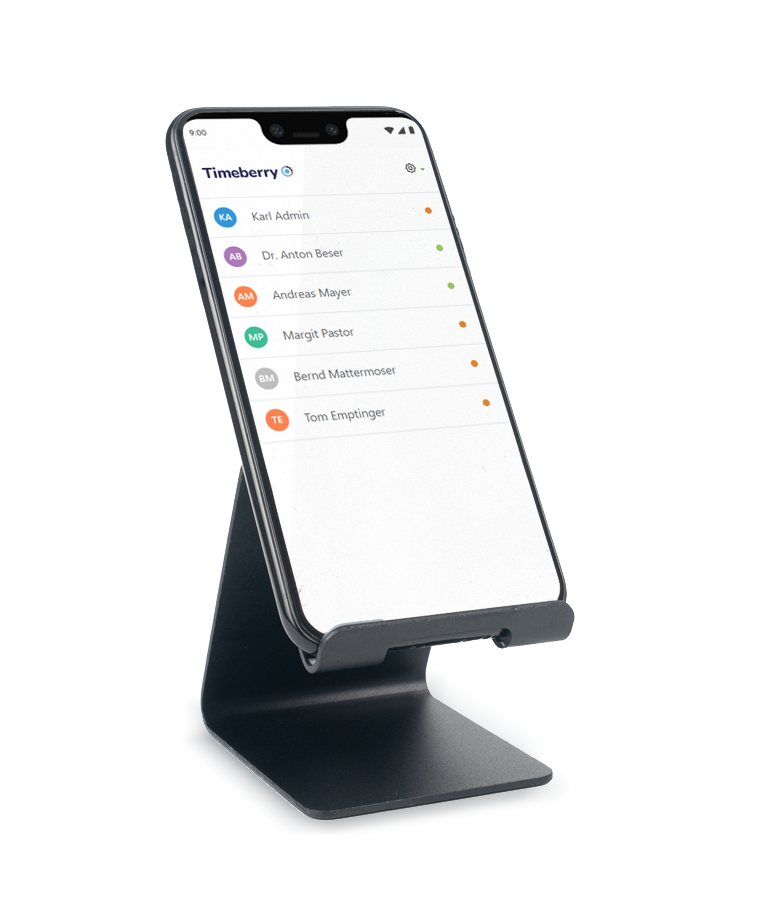
Android phone with stand as time clock with Timeberry

Android phone with stand as time clock with Timeberry.

Fix mounting

A tablet, for example, can be perma­nently mounted on a wall. Any Android smartphone with an internet con­nection on a stand is also suitable for use as a stationary clock-in system.

Installation

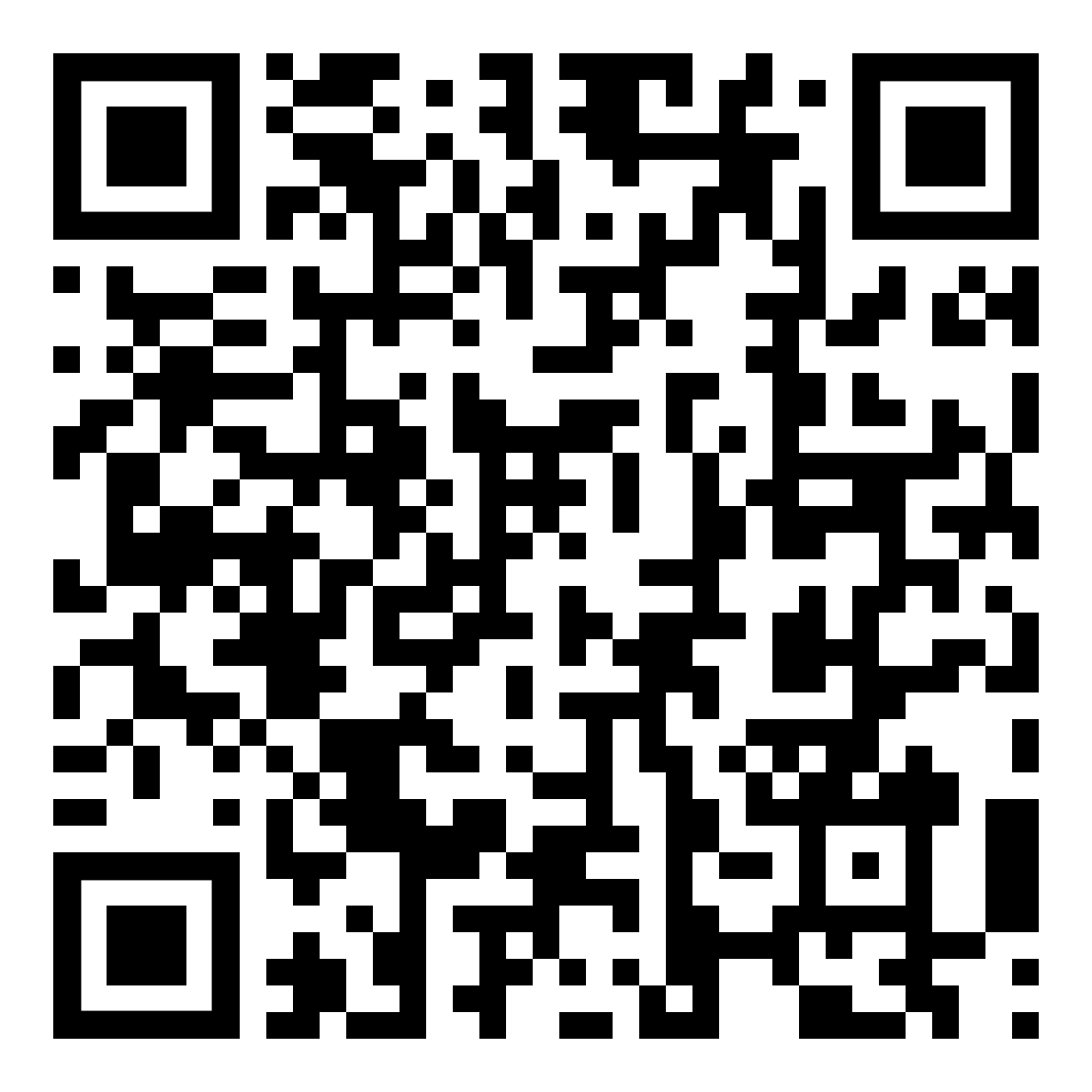
You can get Timeberry from the Google Play Store - just search for "Timeberry" or scan the QR code.

Google Play Store: Timeberry Time Tracking Terminal

Getting started

Getting started with the Timeberry time tracking terminal.

If you have any questions, please contact: support@timeberry.de

Kiosk mode

Run the app in kiosk mode.

RFID tags and RFID cards

Using RFID Transponder for Clocking In/Out: RFID HowTo for Timeberry.

Latest News

The Timeberry app supports now RFID tags and RFID cards. Employees are able to easily clock in and out ... more

Vote for Features

© 2026 Timeberry - Android time clock terminal